3.1 Login
There are two ways to log in to Enreach Contact Desktop: using your Enreach Contact credentials or your Microsoft 365 account.
To log in to Enreach Contact Desktop
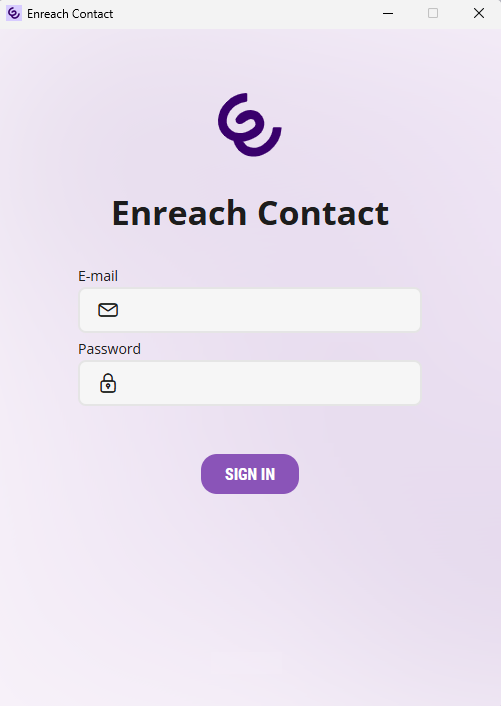
 You are forwarded to the Single Sign-On page of Enreach Contact.
 Sign in with your Enreach Contact credentialsClick on Sign in with Microsoft to enter your Microsoft 365 credentials The following dialogue appears:
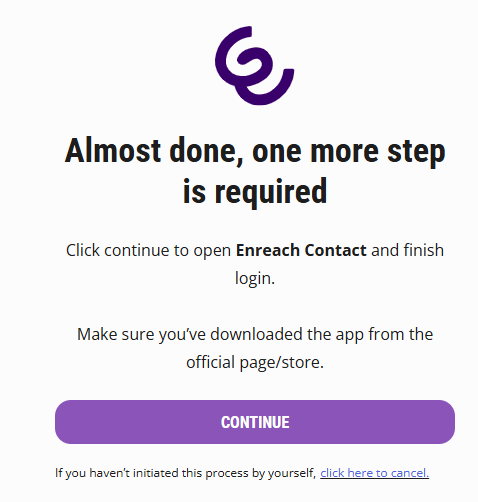 You are being logged in to Enreach Contact Desktop.Enreach Contact Desktop opens and you are logged in.
If the message Your authentication has expired appears, you need to re-authenticate with your Microsoft account. Microsoft may ask you to sign in more frequently until the application is recognized as a trusted app.