2.3.5 Create New Rule
New rules are created by using the Rule Wizard or the Graphical Script Editor. The Rule Wizard will guide you through various sections (situations, calls, times, exceptions, actions), which are required when creating a new rule.
This is how you create a new user rule
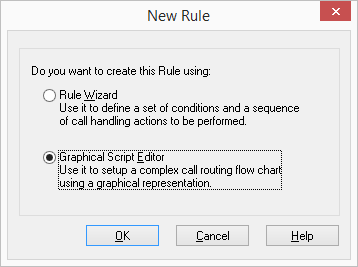
 If you select the option "Rule Wizard", the Rule Wizard will appear.If you select the "Use of the Graphical Script Editor" option here, the the Graphical Script Editor will be opened.
In order for rules, which were created using the Graphical Script Editor to be edited by the SwyxServer, the ‘Extended call routing’ option pack must be installed on the server.