2.7.6 Standard Remote Inquiry
Remote inquiry allows you to listen to the voice messages from any telephone line. When calling your Swyx number, you identify yourself to Swyx using your PIN and can then listen to, repeat and, if necessary, delete first the new and then all existing voice messages. In addition, you can change the destination of the Call Forwarding Unconditional or record a new announcement.
This is how you define the parameters for Standard Remote Inquiry
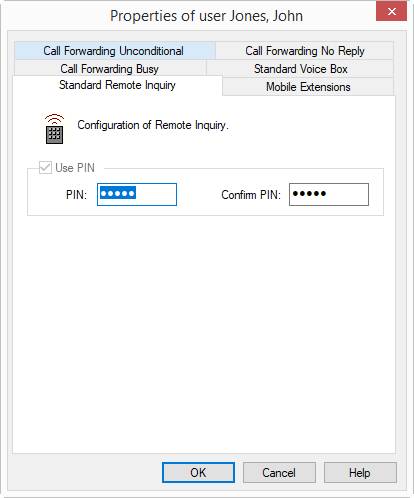
With the help of your details, it is now possible for SwyxServer to query you remotely and provide you with the voice messages.