1.4.1 Layout of the Dialog Window
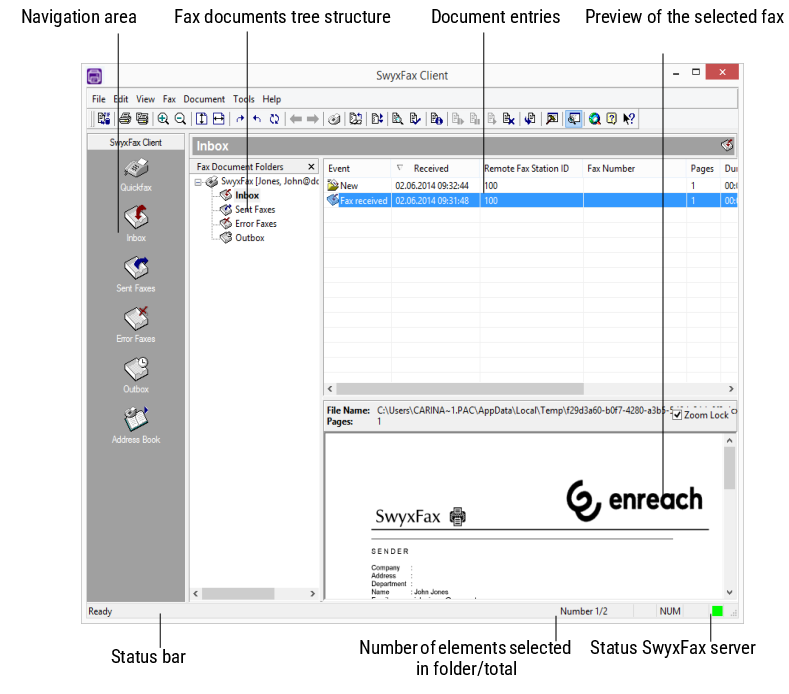
The SwyxFax Client dialog window is divided into several areas. The image below contains brief explanations of the most important areas and status displays.
To close the tree structure of the fax document list, click on the in the fax document list area  . To open the tree structure again, click on the arrow pointing down
 next to the folder name (in this case, Inbox). To have the fax document list visible at all times, click on
 .
. To open the tree structure again, click on the arrow pointing down next to the folder name (in this case, Inbox). To have the fax document list visible at all times, click on .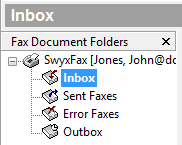 | 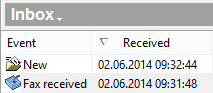 | 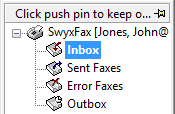 |
Close fax document list - click on  | Open fax document list - click on | Fax Document List crabbing - click on |