8.4.3 The "Time Zone" Tab
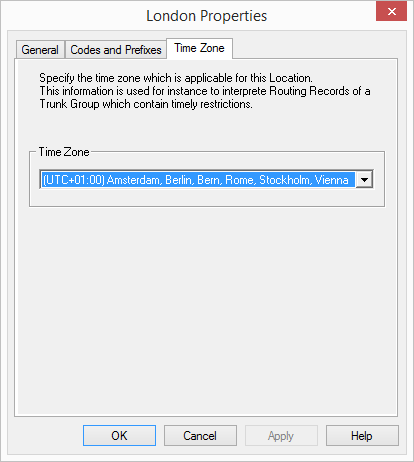
Enter the time zone for the location on this tab.
The time zone this location is assigned to is given here. The time zone is required for evaluating time-dependent restrictions, for example for routing.
Example:
A Trunk Group (e. g. ISDN, Location Germany) is enabled only from 6 p.m. to 8 p.m. If a user in England now calls at 7:15 p.m. local time a number in Germany (German local time 8:15 p.m.), the ISDN Trunk Group is disabled for this call.
How to delete a location
For a clearer overview in Swyx Administration, you can also sort users or trunk groups by location.