11.2.2.1 The "Numbers" Tab
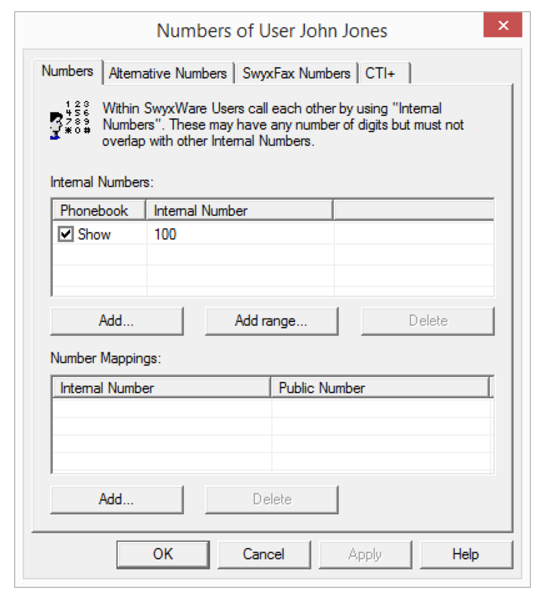
The voice numbers for the user are assigned here. It can be specified whether this number appears in the phonebook. The mapping of a public number to the user's internal number is also configured here.
Internal number
For each of these entries, you can specify whether the number should be displayed in the Swyx Global Phone Book or not. You can delete individual entries by highlighting them and then clicking "Remove". If you would like to add more numbers, click "Add". If you would like to assign an entire number range to this user, click "Add range...". A Wizard will help to specify additional number mapping between the internal and the public number.
Number mappings
In this section, you'll see a list of the Swyx user's public phone numbers or SIP URIs that are directly assigned to them.
You can delete individual entries by highlighting them and then clicking "Remove". If you would like to add more numbers, click "Add". A Wizard will help to specify additional number mapping between the internal and the public number.