4.1.3 My Profile
In the My Profile section you can see your name, your phone number and you can change your personal status text (see also 6.1 Own status).
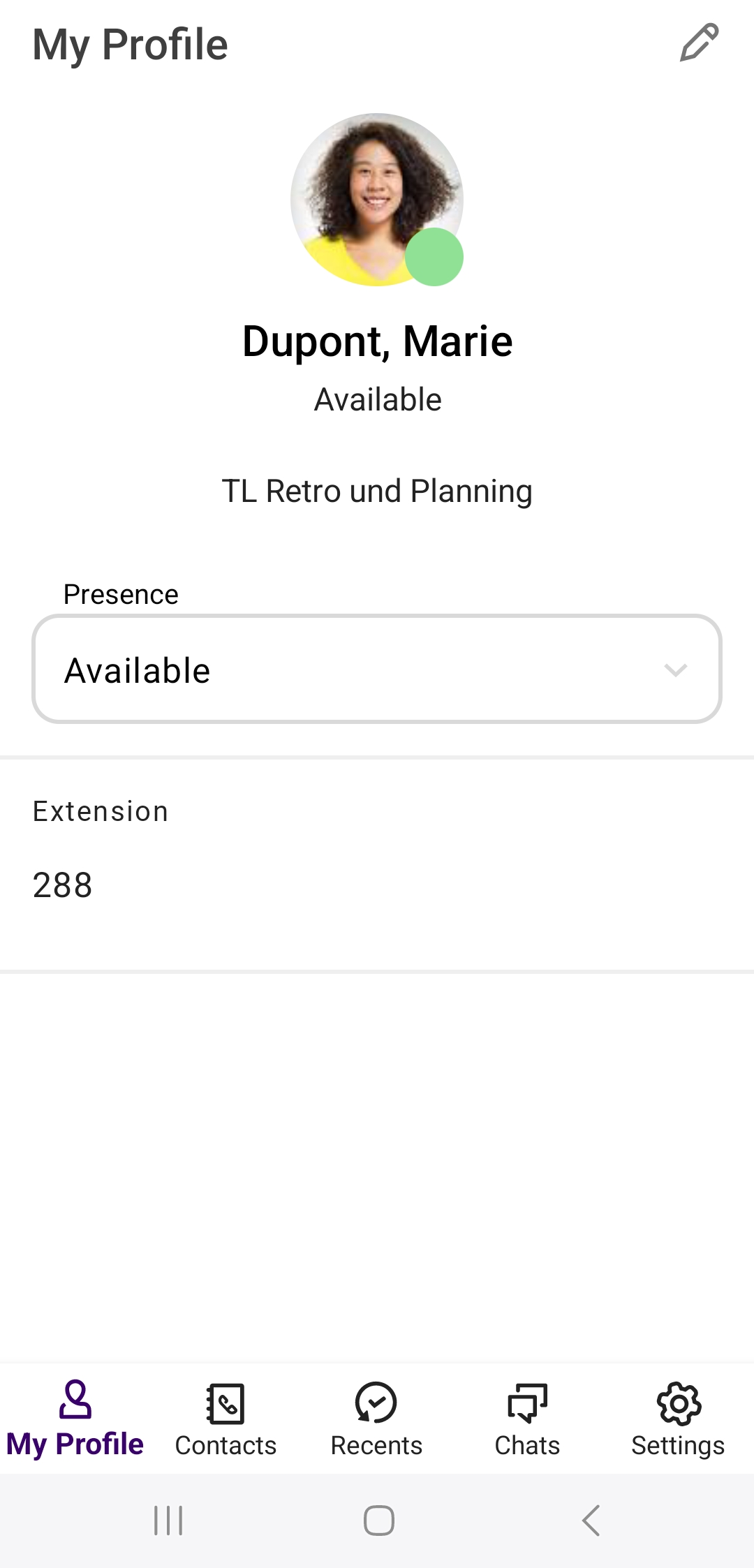
To change your profile picture
 CameraGalleryCancel
 The selected profile picture will be displayed.
To delete your profile picture
The profile picture will be deleted.