12.1 Managing voicemails
Besides playing the voicemail, you have the following options:
 play the voicemail via the loudspeakercall back the contact who left a voicemaildelete the voicemailshare the voicemailconvert the voicemail into text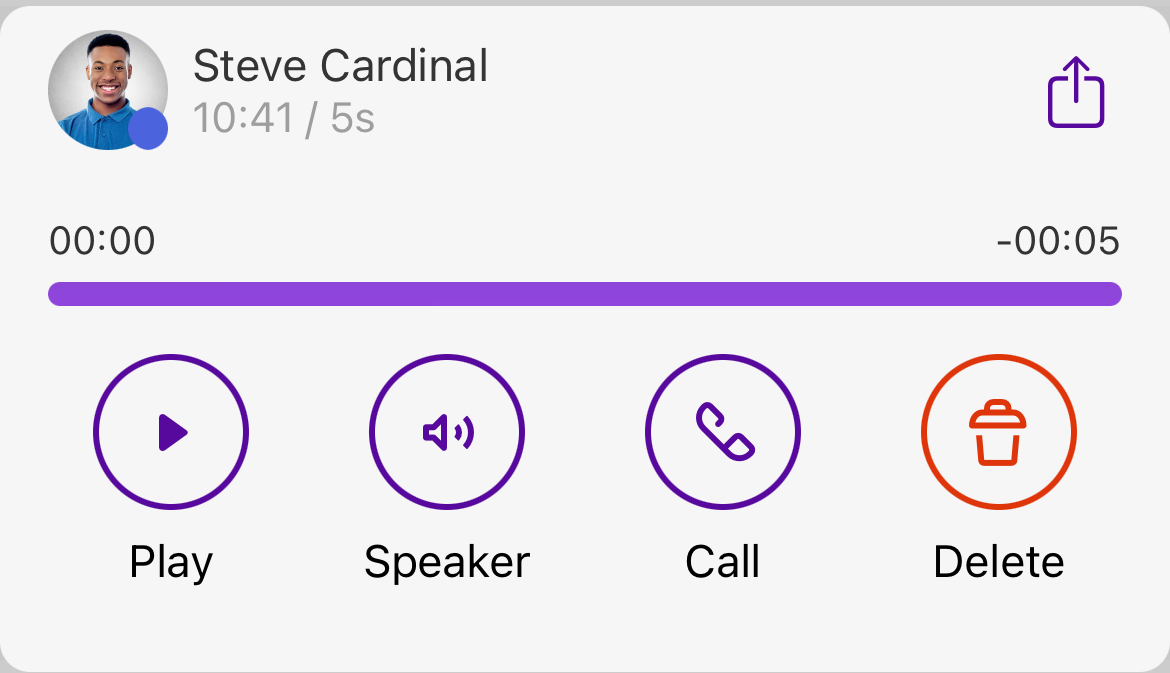
To call back the sender of voicemail
1 Tap  .
.
. The recents list opens.
2 In the voicemail dialog, tap  .
.
.The call is established.To convert a voicemail into text (transcription)
1 Tap .
.The recents list opens.3 In the voicemail dialog, tap on Transcription  .
.
.The voicemail is converted into text and displayed.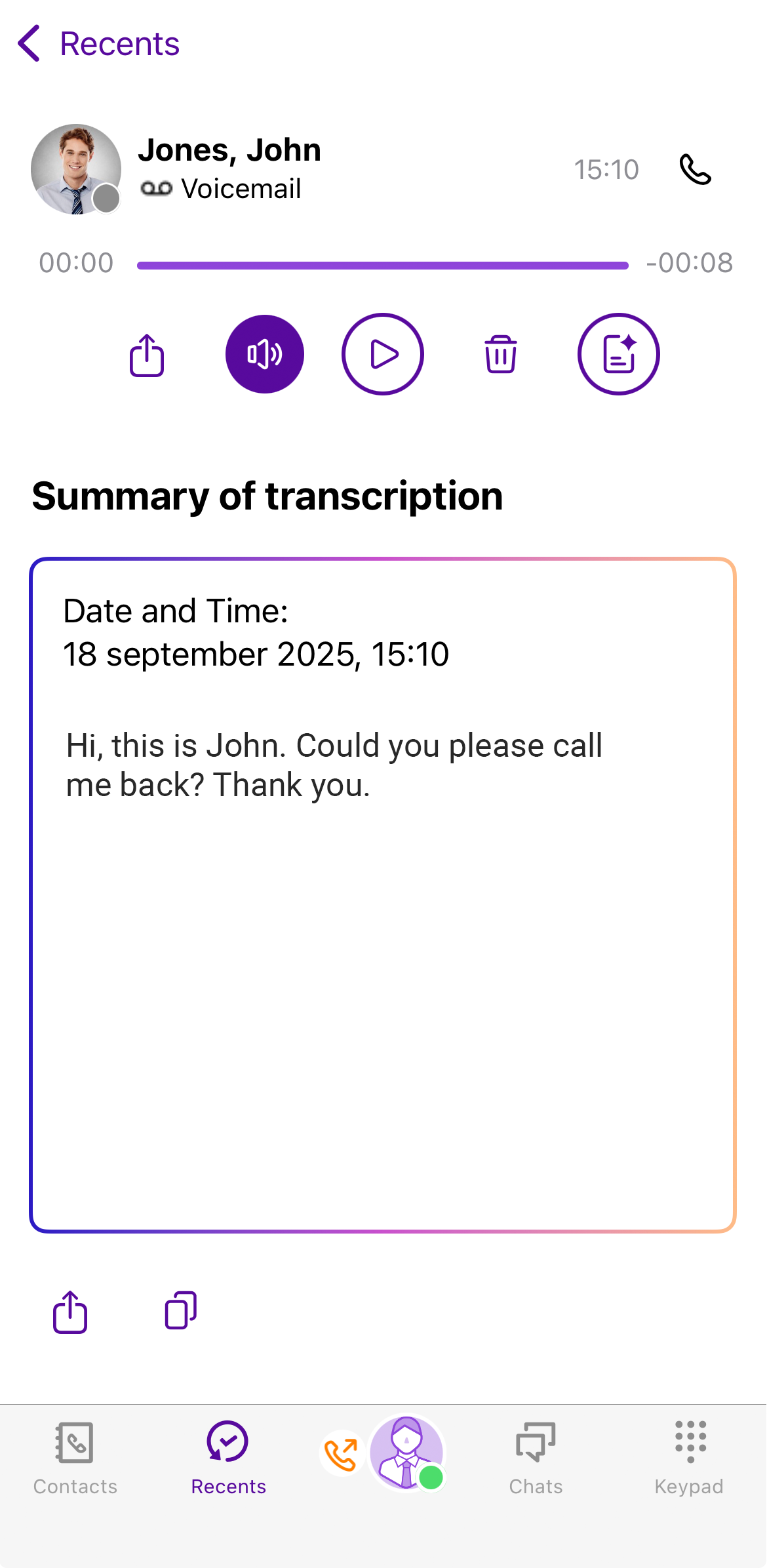
Please note that the transcript will be available only after a short delay of a few seconds.
To delete a voicemail
1 Tap .
.The recents list opens.3 In the voicemail dialog, tap on  .
.
.The voicemail will be deleted immediately.To share a voicemail
1 Tap .
.The recents list opens.3 Tap  .
.
.You can then choose which app you want to use to share the voicemail.