3 Sign In - First steps
If Enreach Contact Desktop is not already set up for you, download the app. The program is available to download for Windows and macOS and as a web application. To log on to Enreach Contact Desktop, you will need the login details that you receive from your administrator.

Enreach Contact Desktop is a VoIP solution. To receive and start calls, you need a stable Internet connection.

When saving and processing personal data, observe the respective applicable legal data protection regulations. If you have any questions regarding data protection, please contact your administrator.
Personal data cannot be deleted automatically. In order to meet the valid data protection regulations, it may be necessary to delete the entries manually.
To log in to the Enreach Contact Desktop App
 The login page opens.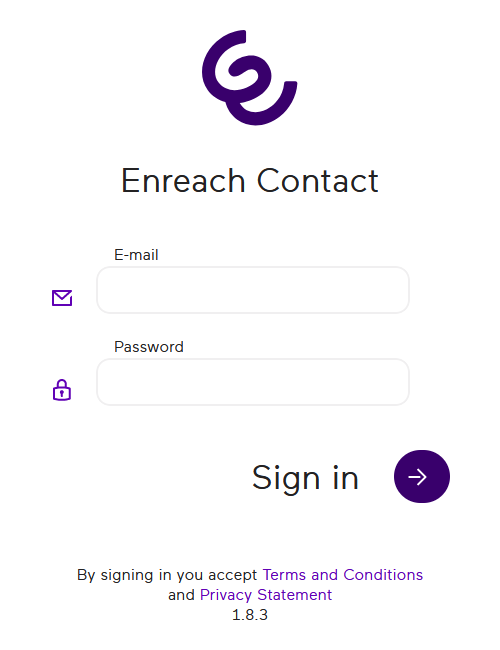
To log in to Enreach Contact Desktop you need the login details provided by your administrator.
3 Click on  .
.
.You will be logged in and the Enreach Contact Desktop App will open.