12.2 Joining a meeting
You can access the meeting room of the respective contact via the contact profile.
To get to the Enreach Meetings Room of a contact
1 Click on  .
.
. Your contact list opens.The contact profile opens.
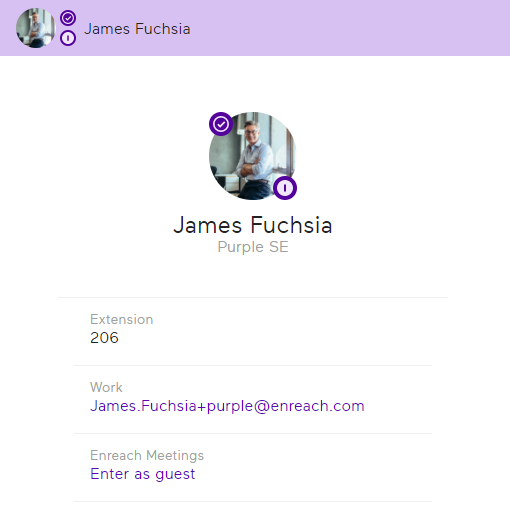 You will be directed to the meeting room. After you have finished configuring your audio and video settings, the host will receive a request for your participation.
For more information, see the Enreach Meetings documentation.