12.1 Link SIM card
It is recommended that you link the SIM card to your device if this has not already been done after logging in.
If the SIM card is not linked to your device, calls are signalled to you simultaneously in the Enreach Contact app and on your device.
You can specify whether you want to receive and make calls via the mobile network or via the Enreach Contact app.
By default, calls are made and received via the Enreach Contact app.
If the SIM card is not active in the device, the call will not be delivered.
If you are using a tablet, you will not be able to select the connection type and link the SIM card on this device.
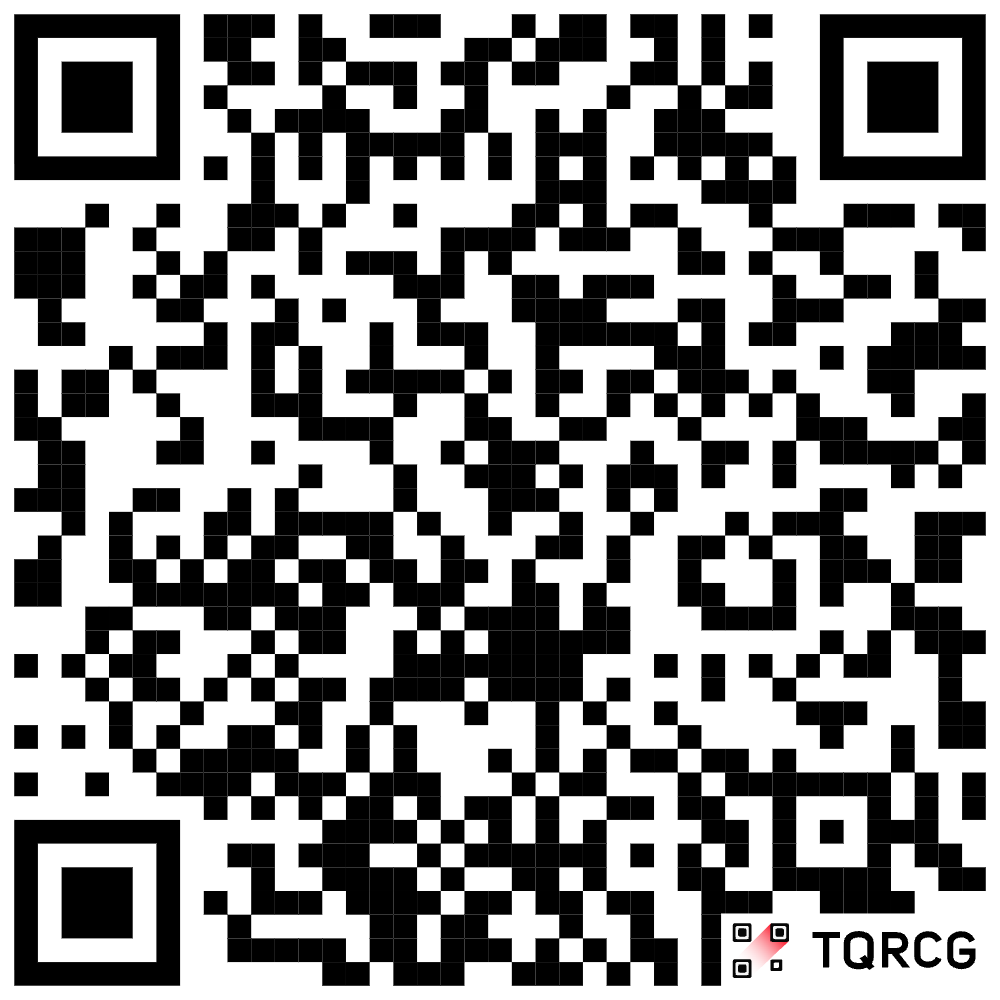
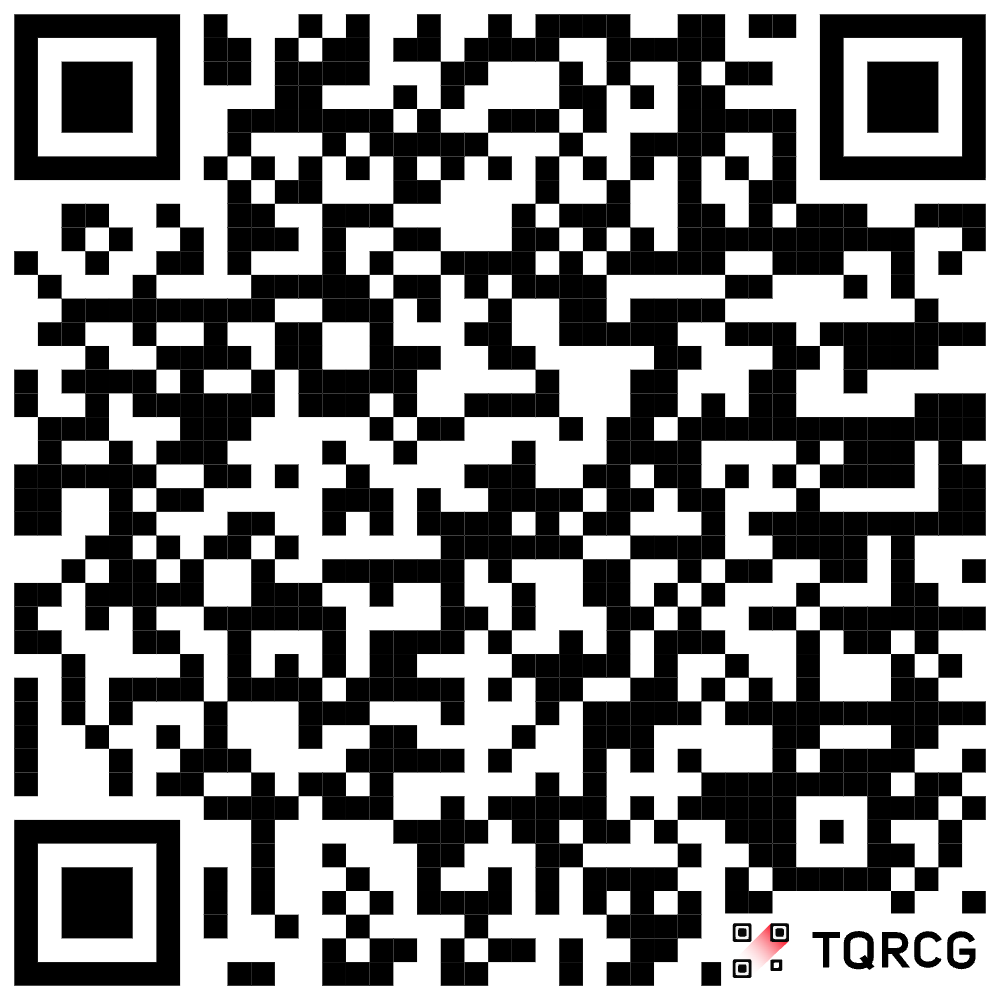
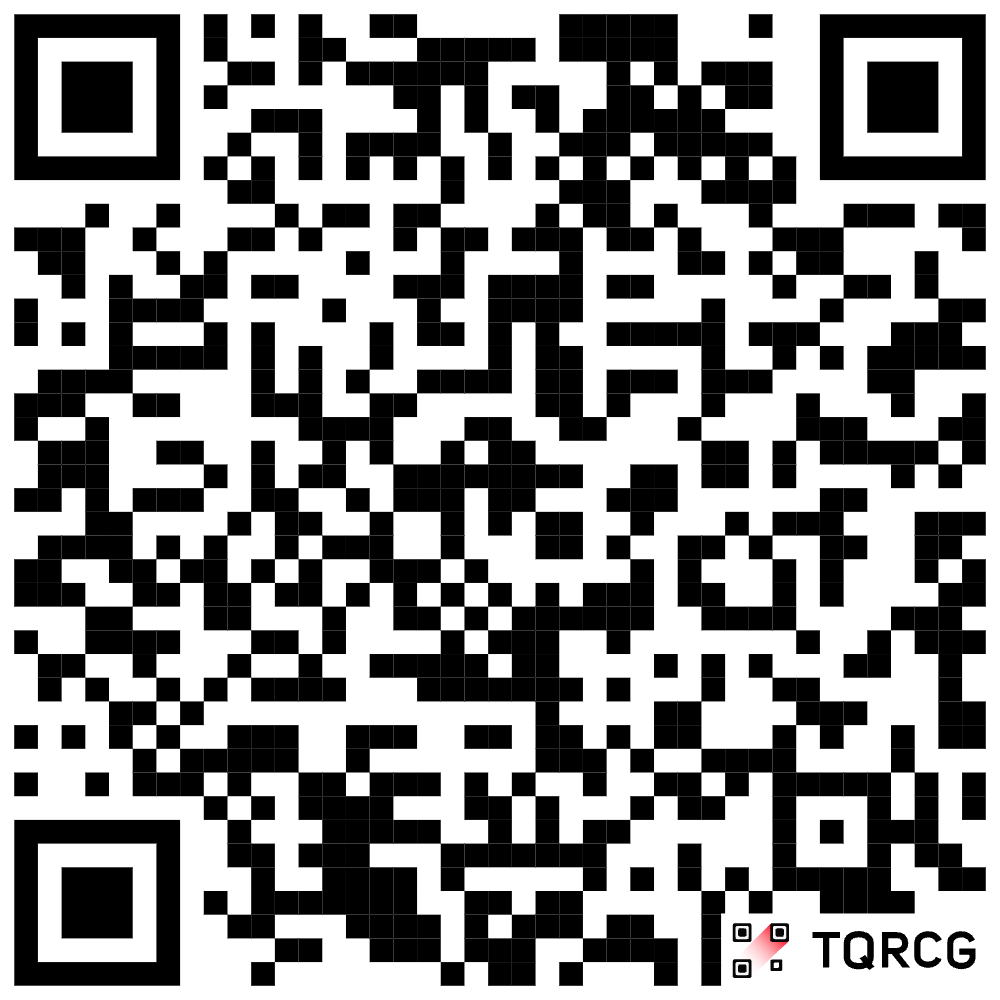
To link your SIM card using a QR code
From Enreach Contact version 4.0 onwards, you can link your SIM card using QR codes.
|
Connection type
|
QR code
|
|---|---|
|
App preferred
|
 |
|
App only
|
 |
|
GSM preferred
|
 |
|
GSM only
|
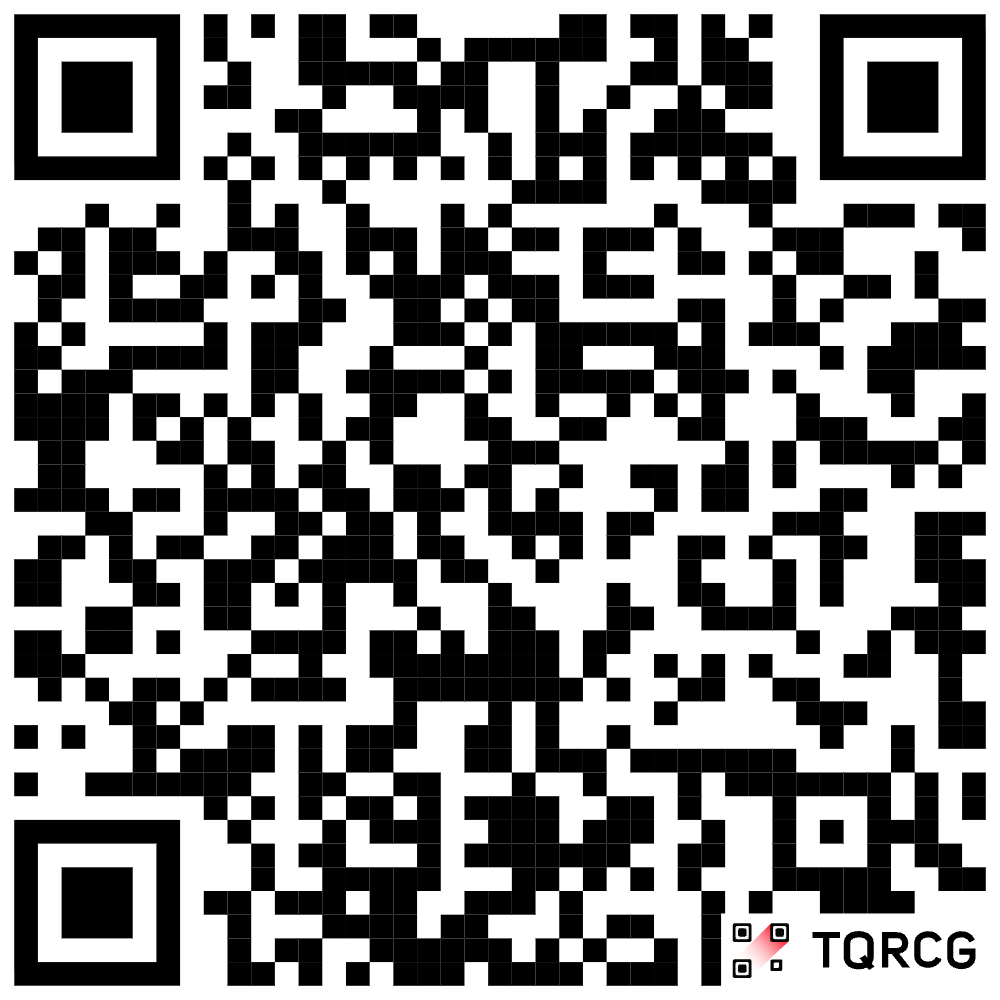 |
 Enreach Contact opens automatically.The SIM card is linked to the device you used to scan the QR code.The selected connection type is configured.Once the setup is complete, you will receive a confirmation.
If no mobile subscription is available for the user, the setup cannot be completed. In this case, an appropriate error message is displayed.
To link your SIM card manually
1 Tap  in the top right-hand corner of the dashboard.
A wizard will open to help you link the SIM cards. App preferredApp onlyGSM preferredGSM onlyCalls are now received and made via the selected connection type.
Further information on the different connection types can be found at SIM card linking.
The SIM card is linked to your device.To unlink your SIM card
1 Tap in the top right-hand corner of the dashboard.
in the top right-hand corner of the dashboard.The SIM card is no longer linked to your device.