5.1.2 Record a meeting
With Shomi it is particularly easy to record meetings, summarize them and get meeting minutes.
Ensure that you inform the person you are talking to that the call is being recorded and ask for their consent. For more information on data protection, see 5.5 Data Protection & AI Model Usage. Please also comply with the policies of your company and the data privacy laws of your country.
To let Shomi record a meeting
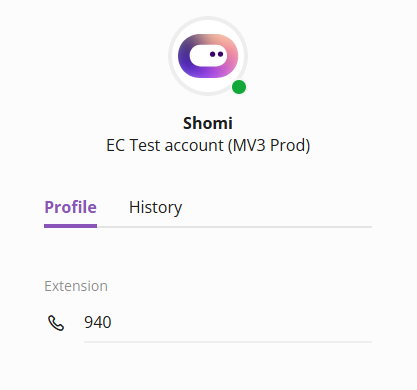
 Shomi starts recording and analysing.
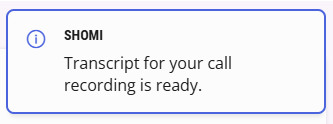
See 5.2 Transcripts and Summaries to get more information on how to proceed with a summary.