5.1 Log in
You can access the supervisor dashboard via the web interface.
How to log in to the supervisor dashboard
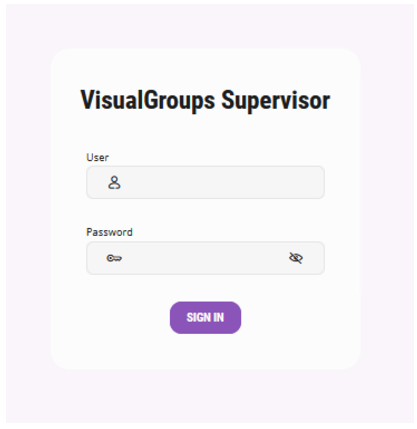
 The login dialog appears.
 The user interface of the supervisor dashboard appears.