5.3 Notification Center
Situations that require the supervisor's attention or intervention are signalled by notifications.
The corresponding messages appear on the right under the title bar.
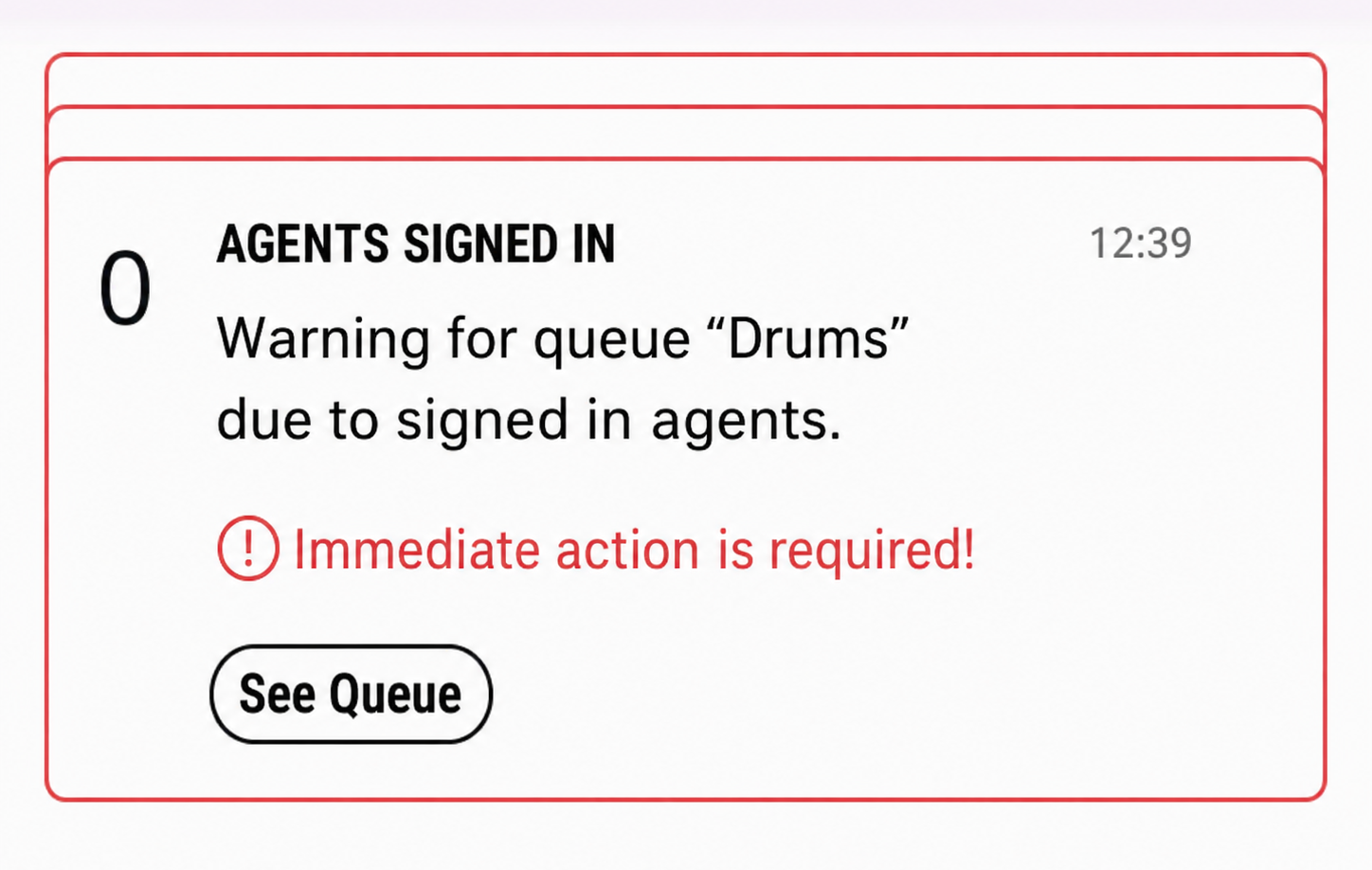
If the message relates to a queue, you can open the affected queue directly by clicking on See Queue.
The missed messages are stored in the notification center.
Click on in the title bar to open the Notification Center.
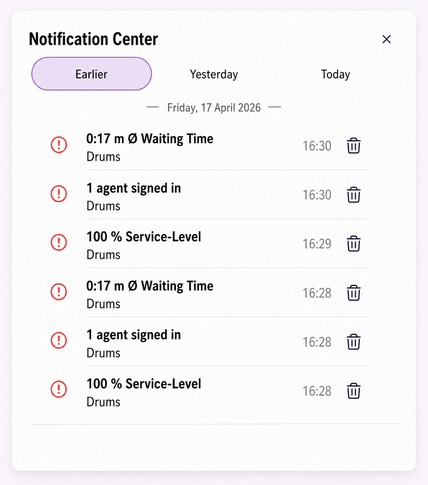
Select the tab (Today, Yesterday, etc.) to display the notifications for the desired period.